
August 28, 2026
2FA Auto Login for Stake.com Bots on VPS
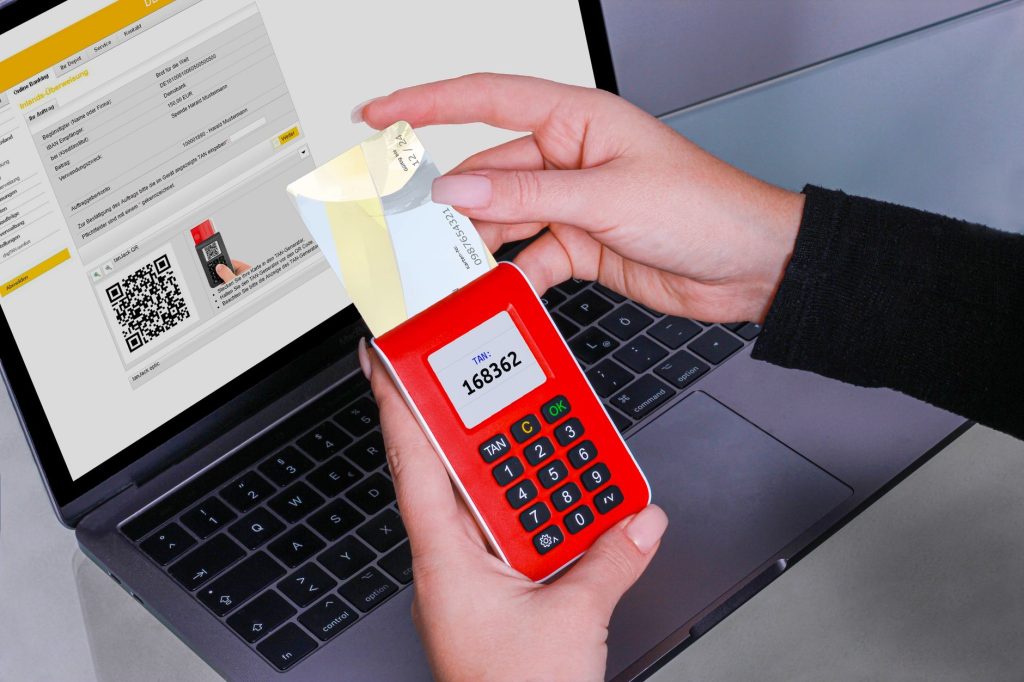
If you run Stake.com bots on a VPS, you have probably hit the wall where your session dies mid-run because the platform requests 2FA re-authentication and nothing is there to answer it. 2FA auto login for Stake.com bots solves this by detecting the re-auth prompt, generating a valid TOTP code from your own shared secret, and restoring the session automatically. No manual entry, no screenshots, no 3 AM wakeups.
Why 2FA Breaks Automated Sessions
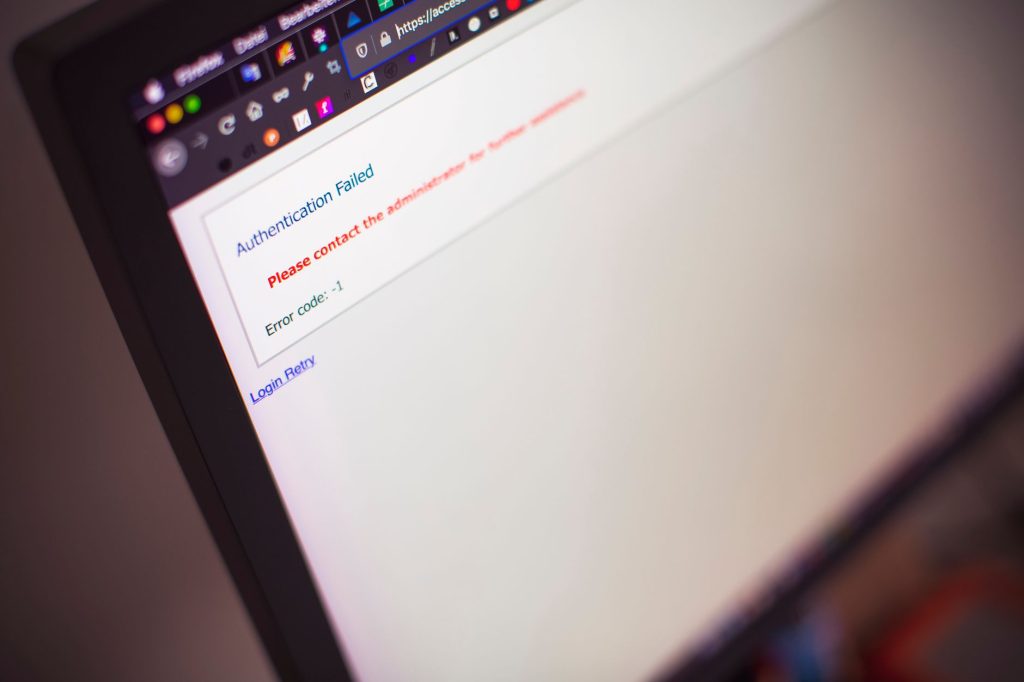
Stake.com issues a session token when you log in, passed as the Stake-Session-Token header on every API request. Community documentation indicates these tokens are typically valid for about 30 days and may be refreshed before expiry. When the token expires or is invalidated, the API returns an authentication error. If 2FA is enabled on your account, re-authenticating requires a one-time password. A bot that cannot produce that code stalls, retries uselessly, or crashes. The session is dead until a human types six digits into an authenticator app.
This is the fundamental tension with unattended automation on accounts that have 2FA enabled (which they should). The security layer that protects your account is the same layer that blocks your bot from running overnight. The answer is not to disable 2FA. The answer is to teach your bot to generate the same TOTP code your authenticator app would, using the same shared secret.
How 2FA Auto Login for Stake.com Bots Works Mechanically

2FA auto login is not a bypass. It is the same authentication flow a human follows, executed programmatically. The bot authenticates as you, using your credentials and your TOTP secret, and caches the resulting session token for as long as it remains valid. This is proper session management for your own account, not circumvention of a security control.
Session Token Storage and Detection
When your bot first authenticates, it receives a session token in the response headers. You store this token persistently (environment variable, encrypted file, or database) so that subsequent requests reuse it without a fresh login. On every API call, the bot inspects the response for authentication errors. A 401 or 403 status, or a specific error message like “Not authenticated” or “Invalid otp” in the response body, signals that the session has expired or been revoked.
At that point, the bot triggers the re-authentication flow rather than retrying with the stale token. Retrying a dead token generates noise: failed requests, rate-limit proximity, and suspicious traffic patterns. Detect the expiry once, handle it cleanly, and move on.
TOTP Generation from the Shared Secret
TOTP (Time-Based One-Time Password) is defined in RFC 6238. The algorithm takes a shared secret K and a time-based counter T, computes HMAC-SHA-1 over them, and truncates the result to a 6-digit code. The counter T is derived from the current Unix time divided by a time step of 30 seconds. The same secret produces the same code at the same moment, so any process holding the secret can generate a valid code without a phone or authenticator app.
Your bot stores the TOTP secret (the base32-encoded string behind the QR code you scanned during 2FA setup on Stake.com) and uses a TOTP library to generate the current code on demand. In Python, pyotp does this in one line: pyotp.TOTP(secret).now() returns the current 6-digit code. In Node.js, otplib provides the equivalent function. No screenshot, no manual entry, no phone involved.
The Re-Authentication Flow
When the bot detects an expired session, it runs the following sequence:
- Generate the current TOTP code from the stored secret.
- Send a credentials-plus-OTP login request to the Stake API.
- Extract the new session token from the response headers.
- Persist the new token and resume the bot loop.
The entire flow takes under a second. The bot was never bypassing 2FA. It was answering the 2FA challenge with the correct code, derived from the same secret you registered with Stake.com when you enabled 2FA on your account. The distinction matters: you are automating your own authentication, not attacking someone else’s.
Configuring TOTP for Unattended Sessions
Extracting Your TOTP Secret
When you enable 2FA on Stake.com, the setup page displays a QR code and a text string. The QR code encodes a URI like otpauth://totp/Stake:your_email?secret=JBSWY3DPEHPK3PXP&.... The secret parameter is your TOTP secret in base32 encoding. Copy this string before you scan the QR code, because most authenticator apps do not expose the raw secret after import. If you have already scanned it, decode the QR code with a tool like zbarcam or an online QR decoder to recover the secret.
Store this secret exactly once, in a secure location. If you lose it, you will need to disable and re-enable 2FA on your account to generate a new one. Treat the secret with the same care as your password: anyone with the secret can generate valid 2FA codes for your account.
Secure Storage Options

The TOTP secret is as sensitive as your password. The table below compares storage approaches for VPS-based bot setups, ranked from least to most secure.
| Storage Method | Security Level | Setup Complexity | Best For |
|---|---|---|---|
| Plaintext config file | Low | Trivial | Never use this |
| Environment variable | Medium | Simple | Single-bot VPS |
| Encrypted file (age, GPG) | High | Moderate | Multi-bot or shared VPS |
| Secrets manager (Vault, cloud KMS) | Highest | High | Multi-server deployments |
An environment variable stored in your shell profile is the minimum viable approach for a single-bot VPS. It keeps the secret out of your codebase and version control, but it is still readable by any process running as your user. For a multi-bot or shared VPS, encrypt the secret at rest with age or GPG and decrypt it at startup. For production deployments across multiple servers, use a dedicated secrets manager.
Clock Synchronization on VPS
TOTP codes are time-based with a 30-second window. If your VPS system clock is off by more than 30 seconds, the generated codes will be rejected by Stake.com’s servers. Most VPS providers sync automatically via NTP, but verify this after provisioning. Run timedatectl on Linux to confirm that NTP is active and the system clock is synchronized. Set your timezone to UTC for consistency, since TOTP calculations use Unix time (seconds since midnight UTC, January 1, 1970) regardless of local timezone.
If you run multiple bots across different VPS instances, ensure all of them sync to the same NTP pool. Clock drift between servers can cause one bot to generate valid codes while another fails silently. A few seconds of drift is tolerable, but anything beyond 30 seconds will break TOTP validation entirely.
Anti-Blocking: Request Patterns and VPS Stability

Session management keeps your bot authenticated. Request hygiene keeps it from getting flagged as automated traffic. Both matter, because a blocked account is just as dead as an expired session.
Request Spacing and Rate Limit Handling
Stake.com does not publish official rate limits, but community documentation suggests keeping requests under 1 per second to stay safe. Space your API calls with a configurable delay between bets, and add jitter (random variation) so the request pattern does not look like a metronome. A base delay of 2 to 5 seconds with 0.5 to 1.5 seconds of jitter is a reasonable starting point for bet placement.
If you receive a 429 (Too Many Requests) response, back off exponentially. Retry after 5 seconds, then 10, then 30, then 60. Do not hammer the endpoint. Log the event, wait, and resume only when the rate limit clears. A bot that responds to a 429 by retrying immediately is the fastest way to get a temporary IP block.
User-Agent and Header Consistency
Your bot should present a consistent user-agent string on every request. Rotating user-agents or switching between browser profiles mid-session is a common flag for automated traffic detection. Pick one user-agent, set it once, and keep it. Include other headers a real browser would send (Accept, Accept-Language, Content-Type) in a consistent order and format.
When re-authenticating, use the same user-agent and header set as the original session. A login request with a different user-agent than the session it is replacing looks like a different device, which can trigger additional security checks or session invalidation.
IP Stability on VPS
Stake.com tracks sessions by IP address. If your bot’s IP changes mid-session, the platform may flag the session as suspicious and require re-authentication or email confirmation. Use a static IP on your VPS. Avoid VPNs that rotate endpoints. If you must use a proxy, choose one with a persistent exit node.
A dedicated VPS with a static IP is the most stable option. Shared hosting or serverless functions with ephemeral IPs will cause more re-auth events than necessary, which means more login attempts, more 2FA code generations, and a larger detection surface. Every unnecessary re-auth is an opportunity for the platform to question your session.
Proactive Token Refresh
Do not wait for the token to expire before refreshing. If community documentation is correct and Stake session tokens last around 30 days, set your bot to proactively re-authenticate every 7 to 10 days. This gives you a buffer against expiry and reduces the chance of a mid-session re-auth interrupting a long-running strategy. Log each refresh event with a timestamp so you can audit the re-auth cadence and spot anomalies.
StakeProSoft builds bot software for Stake.com and other crypto casino platforms that handles session management, request spacing, and 2FA-aware re-authentication as part of its core configuration. If you are weighing manual setup against a purpose-built tool, the difference is whether these guards are wired in from the start or bolted on after your first failed session.
Frequently Asked Questions
Next Steps for Your Setup
Review your VPS setup against the checklist above: static IP, NTP sync, encrypted secret storage, consistent user-agent, and proactive token refresh. Each of these reduces the number of interruptions your bot will face during long sessions. The fewer interruptions, the more reliable your automation becomes.
If you want to see how StakeProSoft handles these configurations in practice, compare the bot catalogue against your current setup. The software manages session tokens, applies request spacing, and handles 2FA re-authentication without storing credentials in plaintext or requiring manual intervention during long runs.
Bots manage sessions, not house edge. The strategies discussed here keep your automation running, but they do not change the mathematical outcome of any individual bet. Always set stop-loss limits and never leave a bot running with access to more balance than you are prepared to lose. 18+ only. Gamble responsibly.
Frequently Asked Questions
Does 2FA auto login bypass two-factor authentication?
No. The bot uses your own TOTP secret to generate valid codes through the same RFC 6238 algorithm your authenticator app uses. It authenticates as you, with your credentials and your secret. It does not circumvent or disable the 2FA layer.
How long do Stake.com session tokens last?
Community documentation indicates Stake session tokens are typically valid for about 30 days and may be refreshed before expiry. Your bot should handle re-authentication as a fallback regardless, since tokens can be invalidated early by server-side session management.
What happens if my VPS clock drifts?
TOTP codes use a 30-second time window based on Unix time. If your VPS clock is off by more than 30 seconds, generated codes will be rejected by Stake.com. Verify NTP synchronization with timedatectl and set your timezone to UTC for consistency.
Is it safe to store my TOTP secret on the VPS?
Store it in an encrypted file or a secrets manager, never in plaintext config or version control. The TOTP secret is equivalent to your password in terms of access power. Treat it with the same protection level.
Will automated login get my account blocked?
Proper session management with consistent user-agent, stable IP, and reasonable request spacing should not trigger blocks. Avoid rapid re-authentication retries, refresh session tokens proactively, and handle rate-limit responses with exponential backoff.
Enjoyed this? Get the full Stake Bot Playbook
7 guardrails for disciplined automated sessions – bankroll, stop-loss, daily-win logout, VPS vs PC. Free PDF.
18+ · No spam, unsubscribe anytime.
7 comments